The order things fail in
A smart home does not degrade gracefully. It fails in a specific sequence and understanding it tells you what to back up.
1. The internet goes. Router and modem lose power, and so does the cable node in the street. Anything cloud-dependent stops immediately.
2. Hubs and bridges go. Zigbee and Z-Wave hubs, the bridge for your lights, the camera NVR. Local automations stop with them.
3. Battery devices keep working and become useless. Sensors and cameras with their own batteries carry on reporting, to nothing.
4. Smart locks and thermostats revert. Most fail safe mechanically — a smart lock has a key, a thermostat has a battery — but schedules and remote access are gone.
The lesson is that step one causes most of the rest. Back up the network and a surprising amount of the house keeps working.
What the whole stack actually draws
| Device | Typical draw | Priority |
|---|
| Modem and router | About 20 W together | First. Everything else depends on it |
|---|
| Mesh nodes, two or three | 15-30 W total | Only if coverage matters |
|---|
| Managed switch, 8 port | 10-20 W | High if anything is wired |
|---|
| Starlink terminal | 50-100 W average, higher when melting snow | The quiet giant of this list |
|---|
| NAS, four bays | 40-60 W, more during a rebuild | High — data is at risk, not just service |
|---|
| Smart home hub | Under 5 W | High value per watt |
|---|
| Camera NVR plus PoE cameras | 30-80 W | Depends whether security is the point |
|---|
| Mini PC or home server | 10-60 W | Depends what it runs |
|---|
Ranges are typical for current consumer hardware. The computer power page covers why measuring beats estimating, and Starlink in particular varies far more than people expect.
A full stack is commonly 100 to 200 watts — less than two old lightbulbs. That is the good news, and it is why this scenario is one of the cheapest to solve on the whole site.
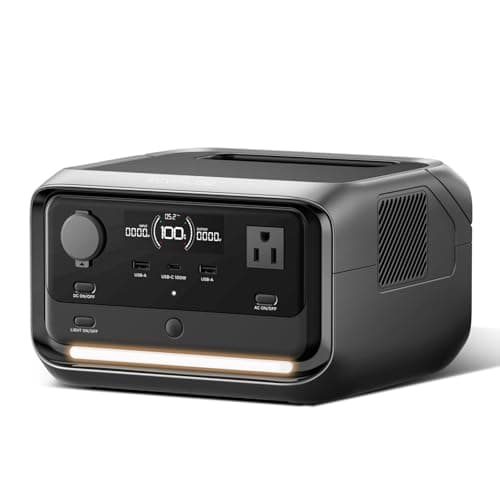
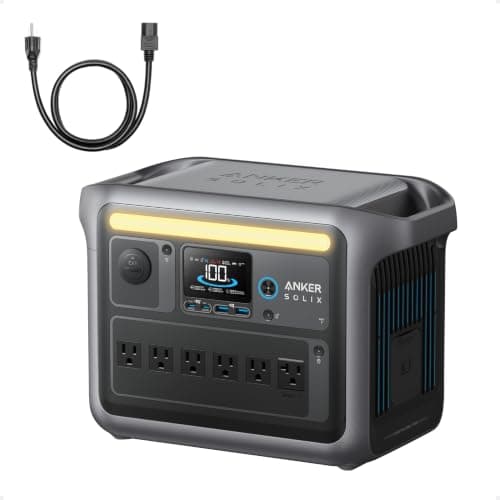
UPS or power station? Both, for different jobs
This is the decision that matters, and the two products are not interchangeable here.
| UPS | Power station |
|---|
| Shutdown signaling | Yes — USB to the NAS, graceful shutdown | Generally not |
|---|
| Runtime | Minutes | Hours |
|---|
| Switchover | Milliseconds, always | Only on models with a UPS mode |
|---|
| Battery replacement | Every 3-5 years | Thousands of cycles |
|---|
| Recharges from solar | No | Yes |
|---|
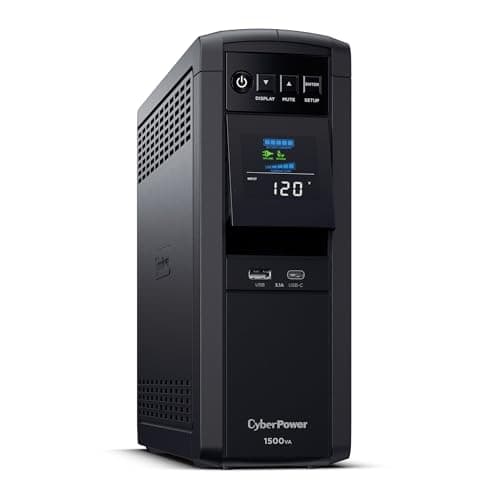
The pattern that works: a UPS on the NAS so it shuts down cleanly, and a power station on the network shelf so the internet outlives the UPS. Together they cost less than one oversized unit doing both badly.
The UPS versus power station comparison covers the distinction in general terms.
The graceful shutdown, which is the actual point
For a NAS this is worth more than runtime, and it is the reason a cheap UPS beats an expensive battery for this specific device.
Connect the UPS to the NAS over USB, enable UPS support in the NAS software, and set a threshold — commonly "shut down when the UPS reports under 20% battery" or "after five minutes on battery". The NAS then flushes writes, unmounts volumes and powers off properly.
Without that, every outage is an uncontrolled power cut to a machine that may have been mid-write. The consequence is rarely catastrophic and occasionally is, and it is entirely avoidable for the price of a cable you already own.
Test it once, deliberately, by pulling the UPS plug from the wall and watching what happens. A shutdown routine nobody has tested is a shutdown routine that does not work.
What to deliberately not back up
- Smart bulbs. They are useless without the hub and the network, and battery lanterns cost less and work — the lantern page covers those.
- Voice assistants. They need the internet to do anything, and if the internet is up you have a phone.
- Every camera. Back up the NVR and the ones covering entrances. Twelve cameras is a real load for very little marginal security.
- Anything with its own battery. Door sensors, leak sensors and video doorbells with internal cells carry on without you.
Two things worth doing before the next outage
Check whether your internet even survives. Cable node equipment in the street has a few hours of battery; fiber is often more resilient. Backing up your router is pointless if the service drops anyway — the internet page covers how to find out.
Know your locks and garage door. Smart locks have keys and garage openers have a manual release, but the time to learn where they are is not at night in the rain — the garage door page covers the release.
The short version
- The whole stack is 100-200W. One of the cheapest scenarios to solve.
- Back up the network first. Most of the rest fails because it did.
- A UPS on the NAS for shutdown signaling, a battery on the network for runtime.
- Test the shutdown once. Untested is the same as not configured.