Start with what the rack really draws
Home lab and small-office racks are almost always smaller loads than their owners expect, because power supply nameplates state a maximum the equipment never reaches.
| Equipment | Typical measured draw |
|---|
| Cable modem or ONT | 5-15 W |
|---|
| Router or firewall appliance | 10-30 W |
|---|
| Managed switch, 8-24 port | 10-40 W, more with PoE |
|---|
| NAS, four drives | 30-60 W |
|---|
| Small server or mini PC | 15-65 W |
|---|
| 1U rack server, idle to moderate | 80-200 W |
|---|
| PoE cameras, each | 4-15 W |
|---|
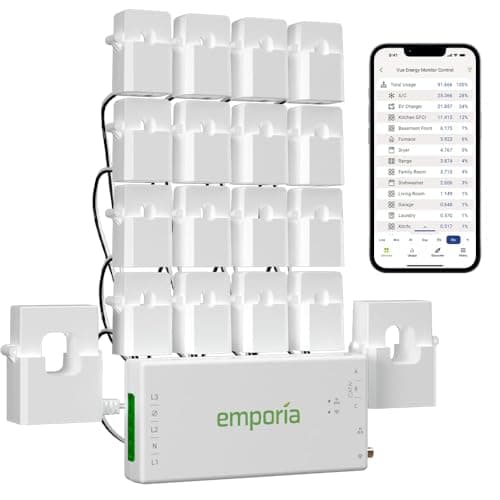
Ranges reflect measured draw rather than power-supply nameplates, which overstate consumption substantially. Your UPS almost certainly reports real load — read it before buying anything.
A typical home lab — modem, router, switch, NAS and a mini PC — lands between 80 and 200W. That is a small load, and it is why the answers below are less expensive than people fear.
Layer one: the UPS, sized properly
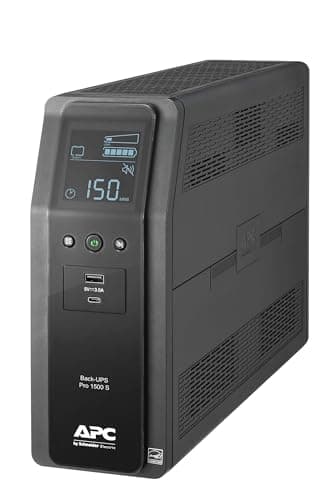
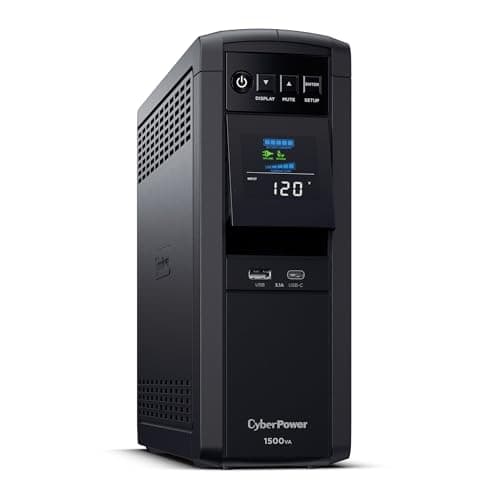
Every rack starts with a UPS, and the sizing rule is the same one that applies everywhere: size against watts, not VA, and load it to about half its watt rating so runtime survives the battery's aging. A 1500VA unit is commonly rated 900W; the UPS sizing guide works through the arithmetic.
Two rack-specific requirements on top of that:
- Pure sine wave output. Server and NAS power supplies use active power factor correction, which can refuse to transfer on a stepped waveform.
- A data connection. USB or network, so the UPS can tell the equipment to shut down. This matters more than runtime, and it is the next section.
Layer two: automated shutdown, which is the actual point
A rack differs from a refrigerator in one way that changes everything: an abrupt loss of power risks data, not just comfort. A filesystem mid-write or an array mid-rebuild can be damaged, and restoring from backup costs far more than any battery.
So the priority order is:
- The UPS talks to the equipment. NAS operating systems and hypervisors almost all support UPS monitoring over USB or the network.
- Shutdown thresholds are configured — typically on remaining percentage or remaining minutes.
- Dependent machines shut down in order. Virtual machines before hosts, hosts before storage.
- Then, and only then, consider buying more runtime.
A rack with eight minutes of runtime and working shutdown automation is safer than a rack with four hours and none.
Layer three: buying real runtime
If the rack must stay up rather than shut down cleanly — cameras recording, home automation, a phone system, someone working from home — then a UPS is the wrong tool for the endurance part, because its battery holds a few hundred watt-hours at most.
| Source | Runtime at 150W | What it is for |
|---|
| Consumer UPS | Minutes | Clean shutdown, and riding out blinks |
|---|
| 1kWh power station | About 5.7 hours | Ordinary outages, silently, indoors |
|---|
| 2kWh power station | About 11.5 hours | Overnight, comfortably |
|---|
| Generator plus transfer switch | As long as you have fuel | Multi-day outages |
|---|
Runtime is capacity x 0.85 divided by 150W. A rack with PoE cameras or a real server sits higher than 150W — measure before you buy.
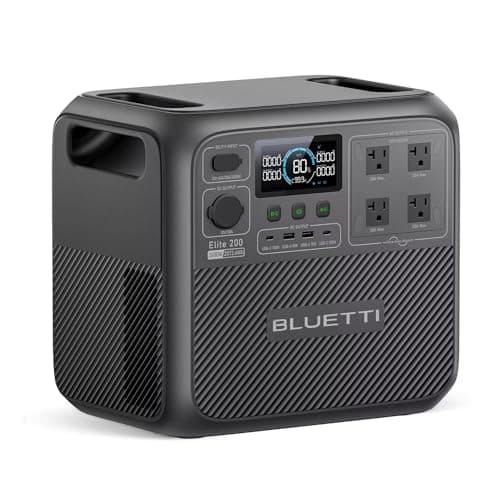
The neat arrangement for a home lab is to plug the UPS into the power station. The UPS keeps its instantaneous transfer and its shutdown signaling, and the power station supplies the hours. Confirm your UPS is happy with the station's output first: some units are sensitive to waveform and frequency and will chatter between sources.
A station with a fast built-in switchover can also feed the rack directly — the UPS-function roundup covers the units that transfer quickly enough to do that job alone.
The rest of the chain matters too
A rack with power and no internet is a rack with no purpose for most households. If the goal is connectivity, back up the whole path: the ONT or modem, the router, and the switch that feeds them. The router and modem page covers that, and it is worth noting that your provider's street equipment may also be down — in which case nothing in your rack helps.
Cooling is the other forgotten item. A closet rack relies on the room, and in an outage the HVAC is usually off too. If the rack is in a small, unventilated space, plan to open the door or run a fan from the same battery.
The short version
- Measure first. Most home racks draw 80 to 200W, far less than their nameplates.
- Buy a pure sine wave UPS with a data connection, sized on watts and loaded to about half.
- Configure automated shutdown before buying runtime. Data loss is the real risk.
- For hours, add a power station, and feed the UPS from it if the UPS is happy with the waveform.
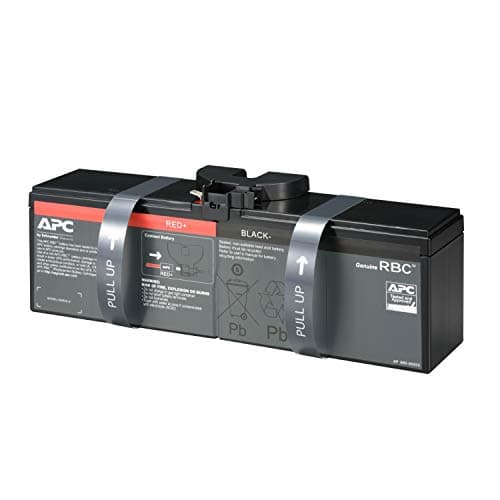
- Replace UPS batteries on a schedule, not when they fail.