The verdict, in one paragraph
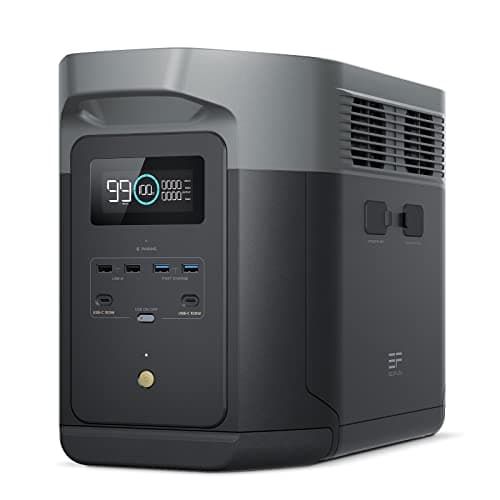
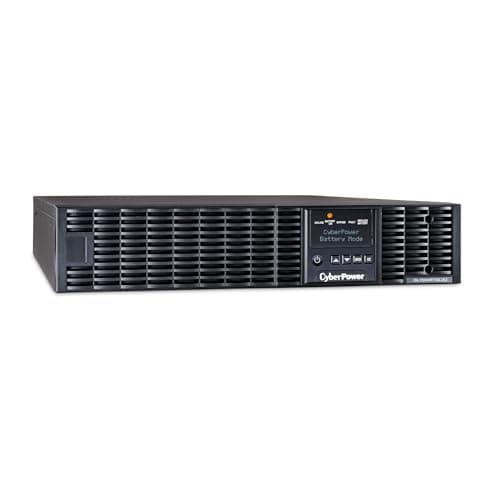
“Instant transfer” on a whole-home battery means twenty milliseconds, not zero. EcoFlow publishes 20ms for the Smart Home Panel 2, Anker publishes 20ms from the wall for the F3800 Plus — and 30 to 50ms when the source is a generator. The only product in this catalog publishing a genuine zero-millisecond transfer is a desk-scale double-conversion online UPS, which costs a fraction of any whole-home system. The EcoFlow DELTA Pro Ultra is the one whole-home-capable unit that publishes a 0ms figure at all, and it is a mode on its own outlets rather than the panel's rating. So the answer for medical equipment is not one product: buy the milliseconds at the device with a small online UPS, and buy the hours behind it with a battery sized to the load. Treating a whole-home battery as the way to achieve zero transfer is paying the most money for the wrong specification.
Published switchover times, compared
| System | Published transfer time | Scale | Hardwired? |
|---|
| CyberPower OL1500RTXL2U | Zero milliseconds | 1,500 VA / 1,350 W | No — plug-in |
|---|
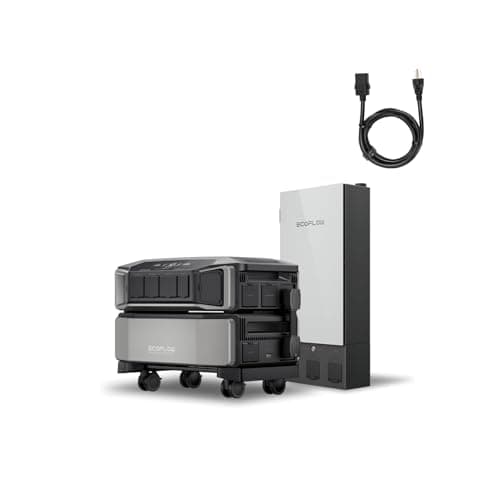
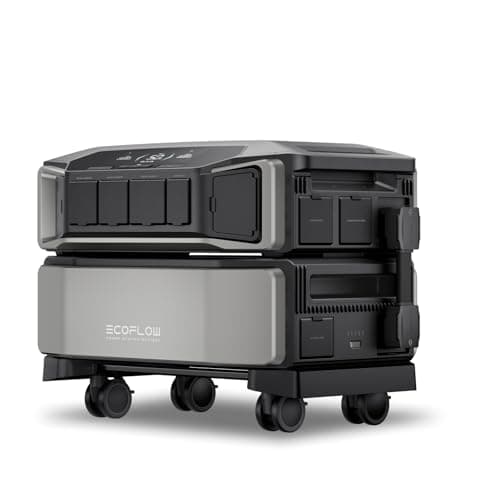
| EcoFlow DELTA Pro Ultra | Under 20 ms backup UPS; 0 ms online UPS | 6,144 Wh / 7,200 W | With the panel |
|---|
| EcoFlow Smart Home Panel 2 | 20 ms auto-switchover | 12 circuits | Yes |
|---|
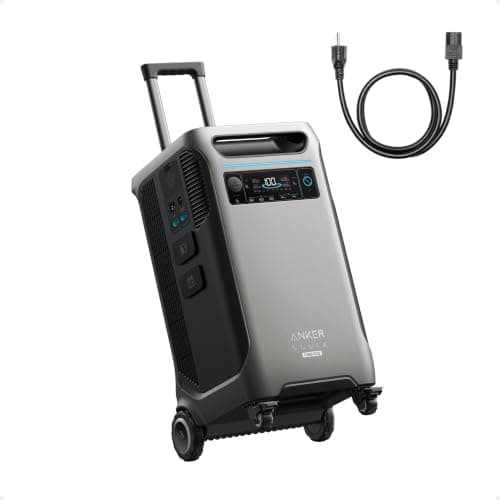
| Anker SOLIX F3800 Plus | 20 ms from the wall; 30-50 ms on generator | 3,840 Wh / 6,000 W | Via inlet or switch |
|---|
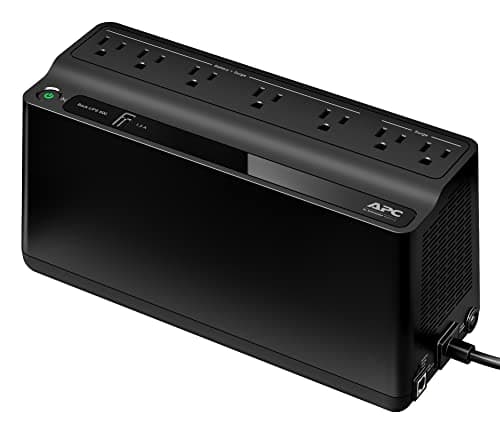
| APC Back-UPS BE600M1 | 6-10 ms typical | 600 VA / 330 W | No — plug-in |
|---|
| EcoFlow RIVER 3 Plus | Under 10 ms | 286 Wh / 600 W | No — plug-in |
|---|
Each figure is the manufacturer's own published specification, cited under Sources. Note the pattern: the small plug-in devices publish the fastest transfers, and the large hardwired systems publish 20ms. Scale and switching speed are not the same purchase. Live prices sit inside the buy buttons above with the date each was refreshed.
How these were chosen
This site runs no test bench and has not put an oscilloscope on any of these transfers. Every figure here is a published manufacturer specification, and every product was checked as currently in stock before it was written up. Three rules applied:
- Only products that publish a transfer time are ranked on it. Where a unit publishes none, the entry says so rather than implying UPS behavior it has not claimed.
- The generator figure counts. Anker publishes a slower switchover on generator power than from the wall, and a plan built around a generator meets the slower number.
- Nothing here is medical advice. The equipment supplier and the treating clinician decide what interruption a device tolerates. This page compares published electrical specifications and nothing else.
Before any of this: two calls that outrank equipment
This is the part the product pages skip, and it matters more than any specification on this page.
- Call the utility and ask to be registered. Most US utilities maintain a medical-priority or life-support customer list that affects restoration order and advance notice of planned outages. It costs nothing.
- Call the equipment supplier. They will tell you what the device does on an interruption, whether it has an internal battery, whether a UPS is approved for it, and what the non-electric fallback is. That answer, not a battery's datasheet, determines how fast your transfer has to be.
The second call matters more than it should have to, because the information is not published. Checking the manufacturer pages we could reach for home concentrators, CPAP machines and home ventilators, we found no published statement anywhere about what happens on a power interruption — no restart behavior, no alarm description, no maximum tolerated dropout, and no backup-power or UPS recommendation. Device makers publish watts and flow rates; they do not publish the one specification this page is about.
Backup power for medical devices goes through both calls and the actual device loads in detail. This page assumes you have made them and are choosing hardware.
Why whole-home systems land on 20 milliseconds
A home battery with a transfer switch is doing something different from a UPS. It sits beside the utility feed, watches it, and physically changes a contactor over when the grid drops. That takes a detection delay plus the mechanical movement, and twenty milliseconds — a little over one cycle of 60Hz AC — is a good result for it.
An online UPS has no such sequence, because it never uses utility power directly in the first place. The load always runs on inverted power, so when the input disappears nothing about the output changes. That is why the cheap-looking device on this page beats the expensive ones on the one specification the question is about.
The practical consequence is the layering argument above, and it is also why open-versus-closed transition matters less here than people expect. All residential automatic transfer switches are open transition — open versus closed transition explains why, and why that is the correct design for a house.
The layered arrangement, in order of what to buy
- A small UPS at the device. 6 to 10ms for under a hundred dollars, or zero milliseconds for considerably more if the supplier says the device genuinely cannot be interrupted.
- A battery sized to the hours. This is where the money belongs. A stationary concentrator running continuously is the load that decides capacity, and it dwarfs a CPAP.
- A way to refill it. Solar in a storm region, a generator if outages run for days, or both. A fixed capacity with no refill is a countdown.
- A sub-panel, only if the equipment is hardwired or spread across the house. For a single plug-in device it buys automation rather than capability.
- A non-electric fallback. Cylinders, a plan to relocate, a charged phone and the supplier's out-of-hours number.
What capacity actually buys, in hours
Transfer time is measured in milliseconds; the thing that decides whether the plan works is measured in hours. Inogen publishes an AC power supply rating of 275W for its At Home stationary concentrator, which delivers up to 5 LPM of continuous flow, and separately states it uses “just 100W” at flow setting 2. It does not publish a figure at setting 5, so both columns below are shown:
| System | Published capacity | Hours at 275 W | Hours at 100 W |
|---|
| EcoFlow DELTA Pro Ultra | 6,144 Wh | About 22 h | About 61 h |
|---|
| Anker SOLIX F3800 Plus | 3,840 Wh | About 14 h | About 38 h |
|---|
| EcoFlow DELTA 2 Max | 2,048 Wh | About 7 h | About 20 h |
|---|
| APC Back-UPS BE600M1 | Not published in Wh | Minutes — 275 W is near its 330 W ceiling | Minutes |
|---|
Capacities and both draw figures are published specifications; the hours columns are our arithmetic before conversion losses. The two columns differ by a factor of nearly three on the same machine, which is why your own equipment's label and flow setting matter more than any figure on this page — how to read an appliance nameplate covers where to find it.
Five questions to settle before buying
- Does the device have an internal battery? Many ventilators do and many concentrators do not. That single fact changes which half of this page you need.
- Does the supplier approve a UPS for it? Ask explicitly. Some manufacturers specify requirements for the power supplied to their equipment.
- Is your plan generator-based? If so, use the generator-side switchover figure, not the from-the-wall one. On the F3800 Plus that is 30 to 50ms rather than 20ms.
- How many hours do you actually need? Capacity, not milliseconds, is where the budget should go once the device is bridged.
- What happens on the second day? Solar, a generator, or a destination. Every plan without a refill is a countdown.
The short version
No whole-home battery in this catalog publishes a zero-millisecond transfer on its panel; they publish twenty. The only genuine zero here is a double-conversion online UPS, and the only whole-home-capable unit quoting 0ms does it as a mode on its own outlets. So buy the milliseconds small and cheap at the device, buy the hours big behind it, register with your utility, and ask the equipment supplier what the device actually tolerates before spending anything.